Google Calendar
Pivot Shift uses read-only Google Calendar access. It can display calendars you authorise, but it does not create, edit, or delete events in Google.
Connect and import
- Open Import and choose Google Calendar.
- Select Connect Google Calendar.
- Complete Google’s permission screen.
- Return to Pivot Shift and choose the calendars you want to include.
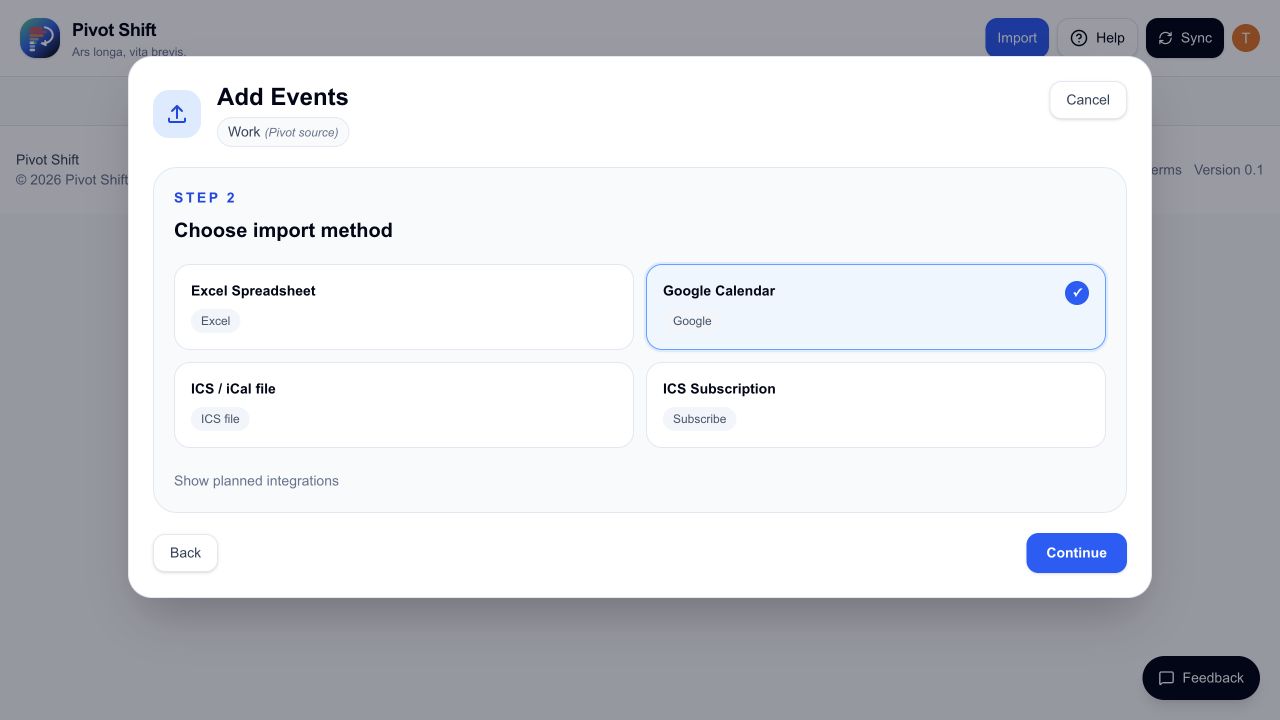
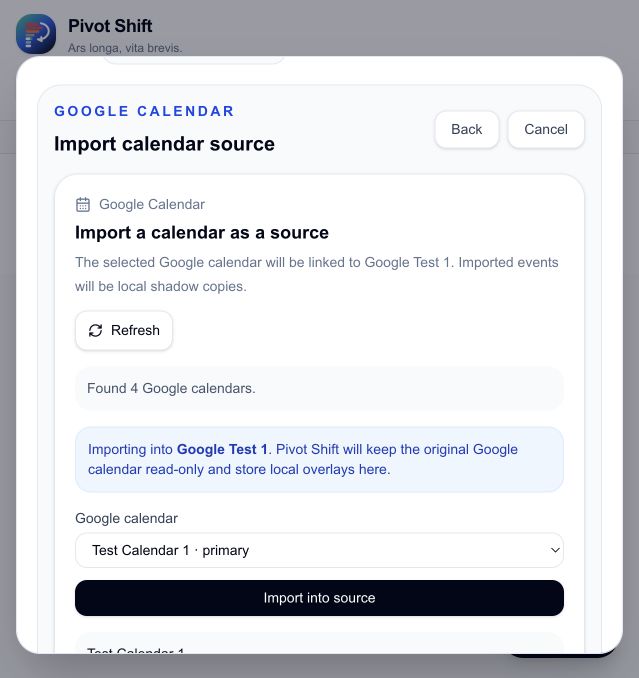
Choose the destination source, select one of the calendars Google returns, then select Import into source. Repeat this for each calendar you want to keep separate in Pivot Shift.
Your Google events are refreshed from Google and shown under their connected sources.
Editing a Google event
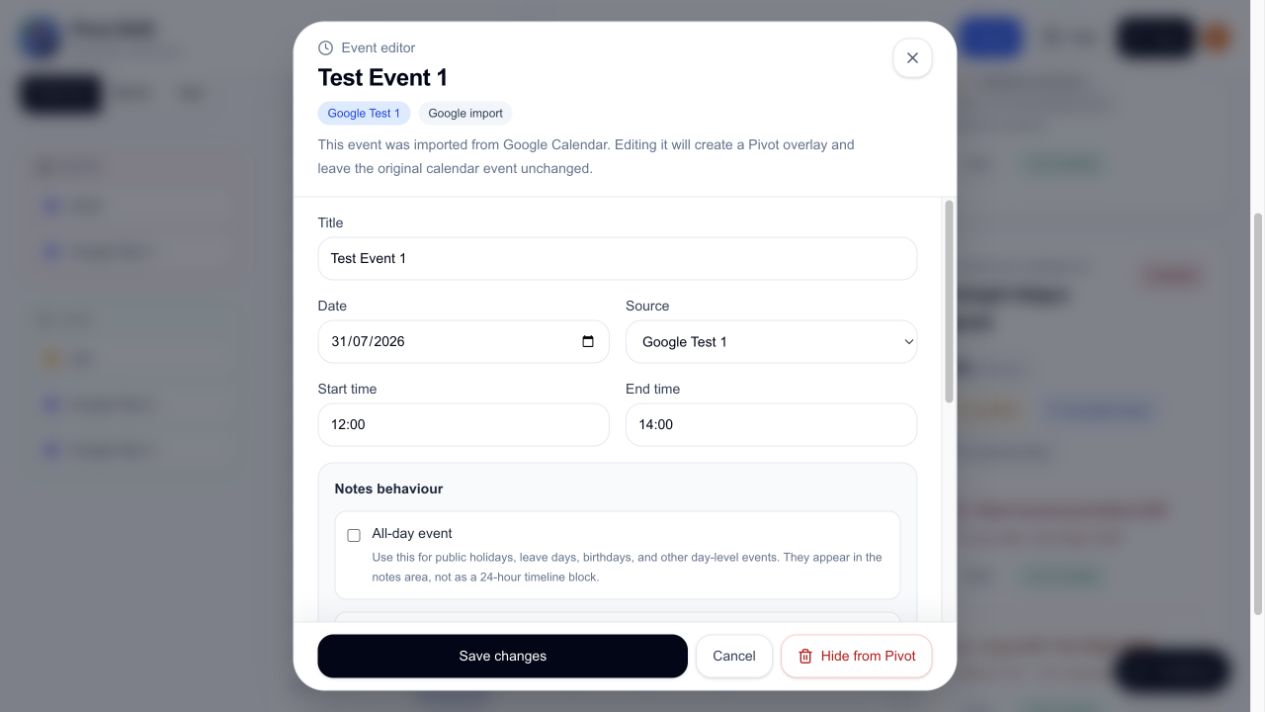
Editing an imported Google event creates a Pivot overlay. The overlay changes how that event appears in Pivot Shift only. The original Google event remains unchanged.
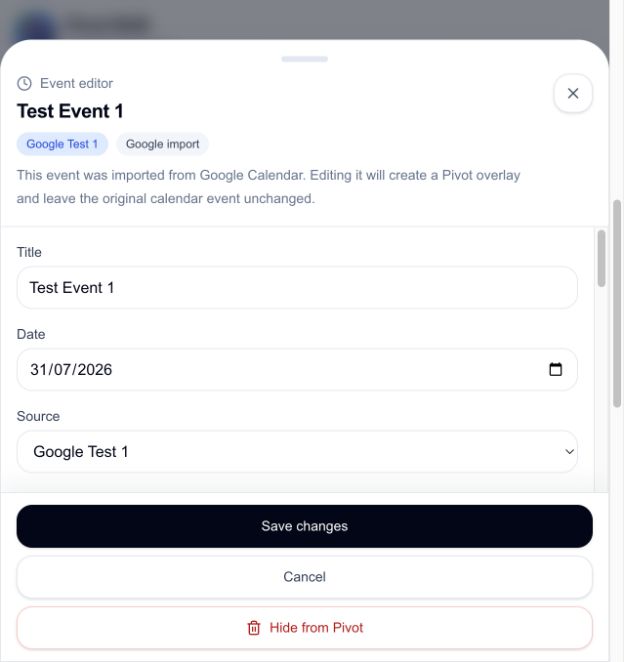
Use an overlay when you want a different title, time, location, notes, or fatigue setting in Pivot Shift. Select Remove Pivot overlay to reveal the current Google version again.
You can also use the Manual shift creator with a Google source. Those shifts are saved as Pivot-only overlays and are not added to Google Calendar.
Hiding and restoring
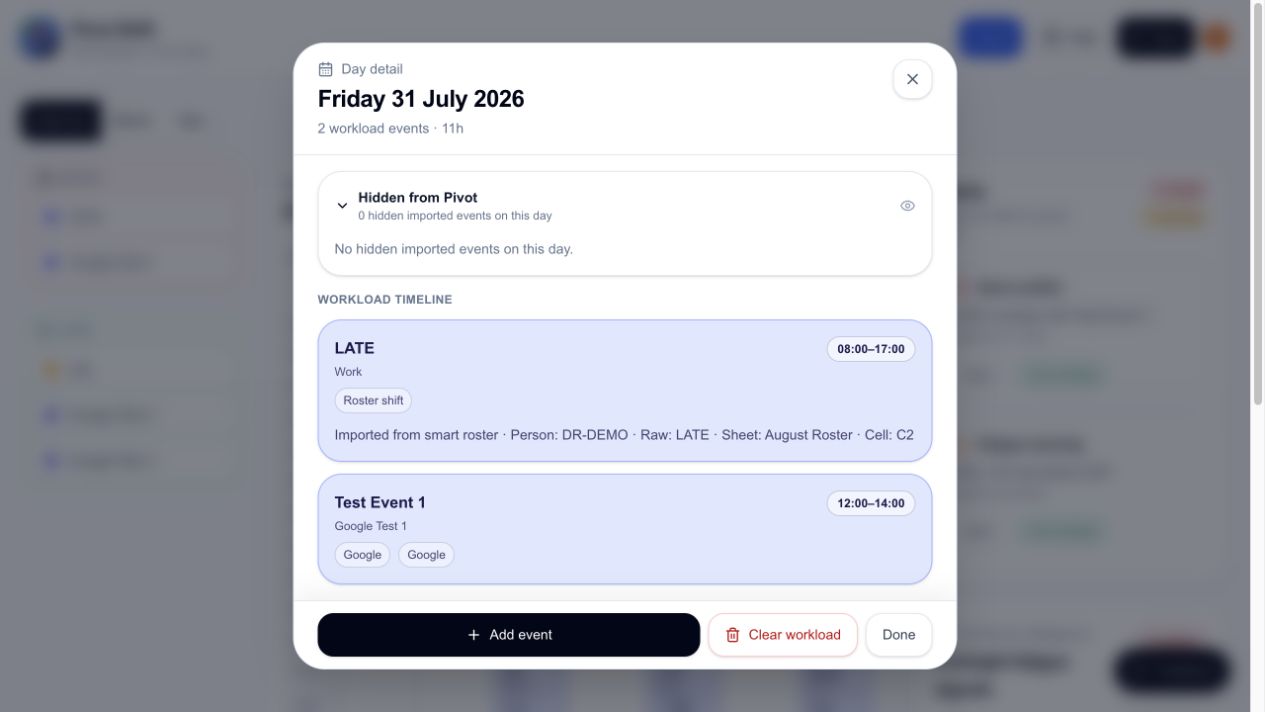
Hiding a Google event stores a Pivot-only instruction to suppress it. Restoring removes that instruction after Pivot Shift confirms that Google still returns the event and the refreshed calendar is saved successfully.
While restoration is in progress, the event stays under Hidden from Pivot. If restoration fails, it remains hidden so it does not disappear without explanation.
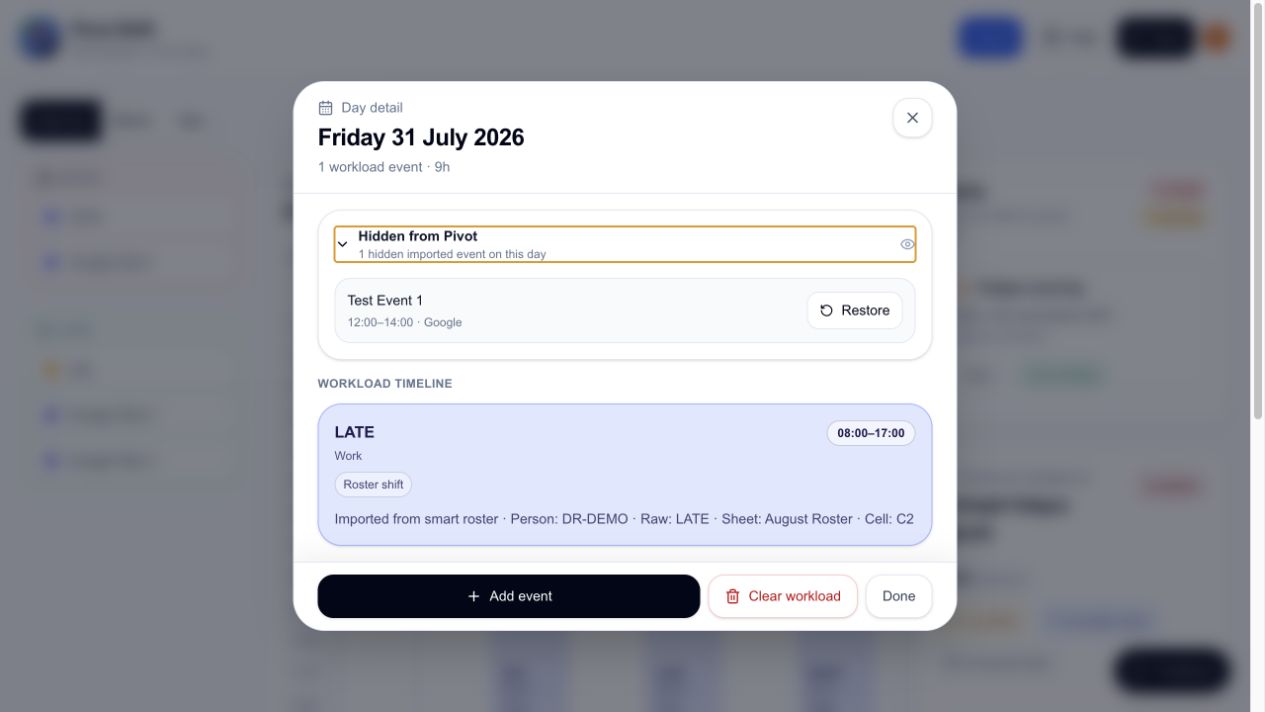
After restoration succeeds, the event returns to the day timeline and the hidden count returns to zero.
Reconnect Google Calendar
If Google has not supplied a usable refresh credential, Pivot Shift shows Reconnect Google Calendar. Select it and complete the Google flow again. You should not need to sign out of your Pivot Shift account.
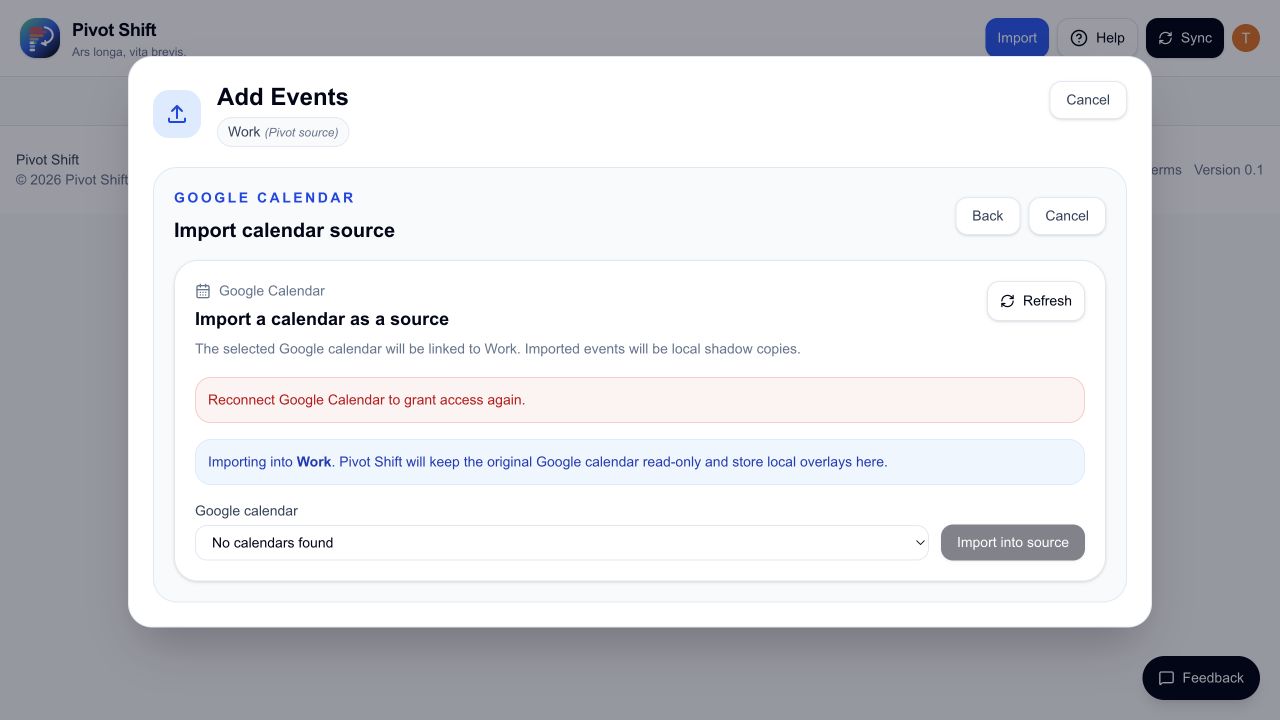
If Google immediately reconnects without granting durable access:
- Open your Google Account’s third-party connections.
- Remove Pivot Shift’s existing access.
- Return to Pivot Shift and select Reconnect Google Calendar.
- Approve calendar access again.
Privacy
Google remains the source of truth. Pivot Shift requests calendar access only for the features you authorise. Disconnect Google when you no longer want Pivot Shift to refresh those calendars.