Hidden Events and Overlays
Pivot Shift never needs to modify an external calendar to personalise your view.
Hidden events
Use Hide from Pivot when an imported event is not useful in Pivot Shift. The original event stays in Google Calendar or the external feed; Pivot Shift stores a suppression record and omits it from the main calendar.
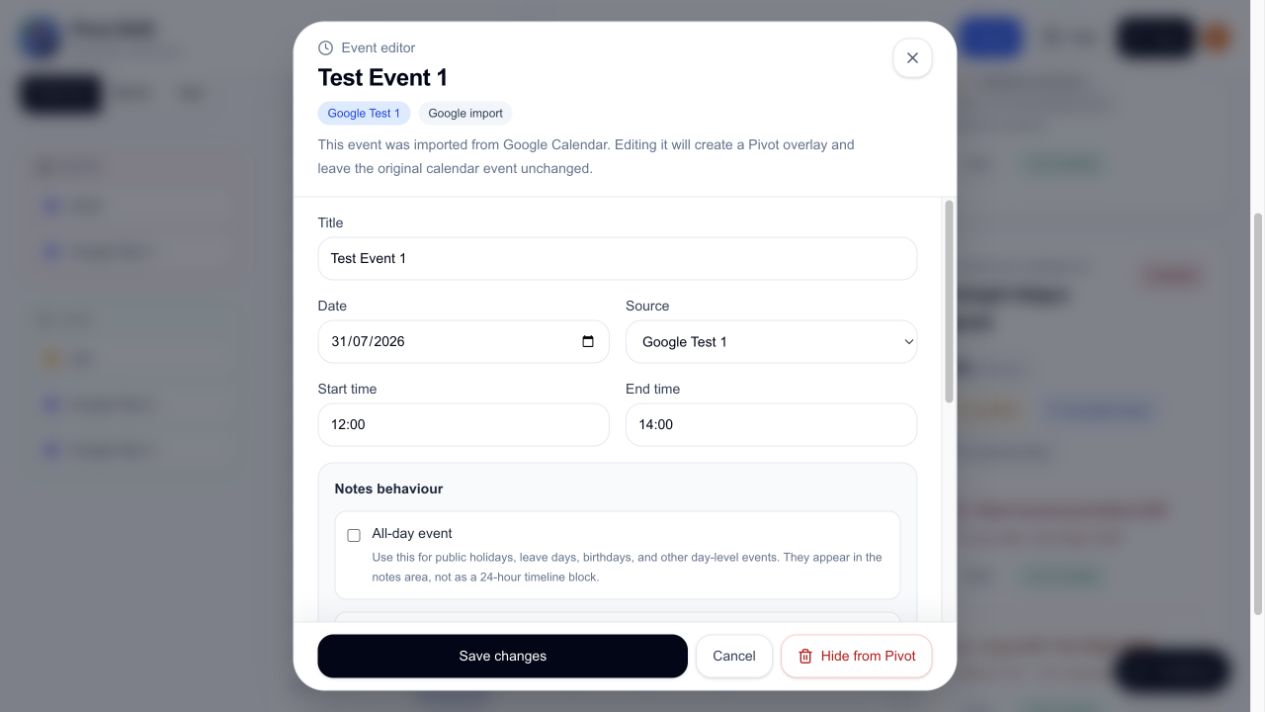
Open the day detail and expand Hidden from Pivot to see hidden items.
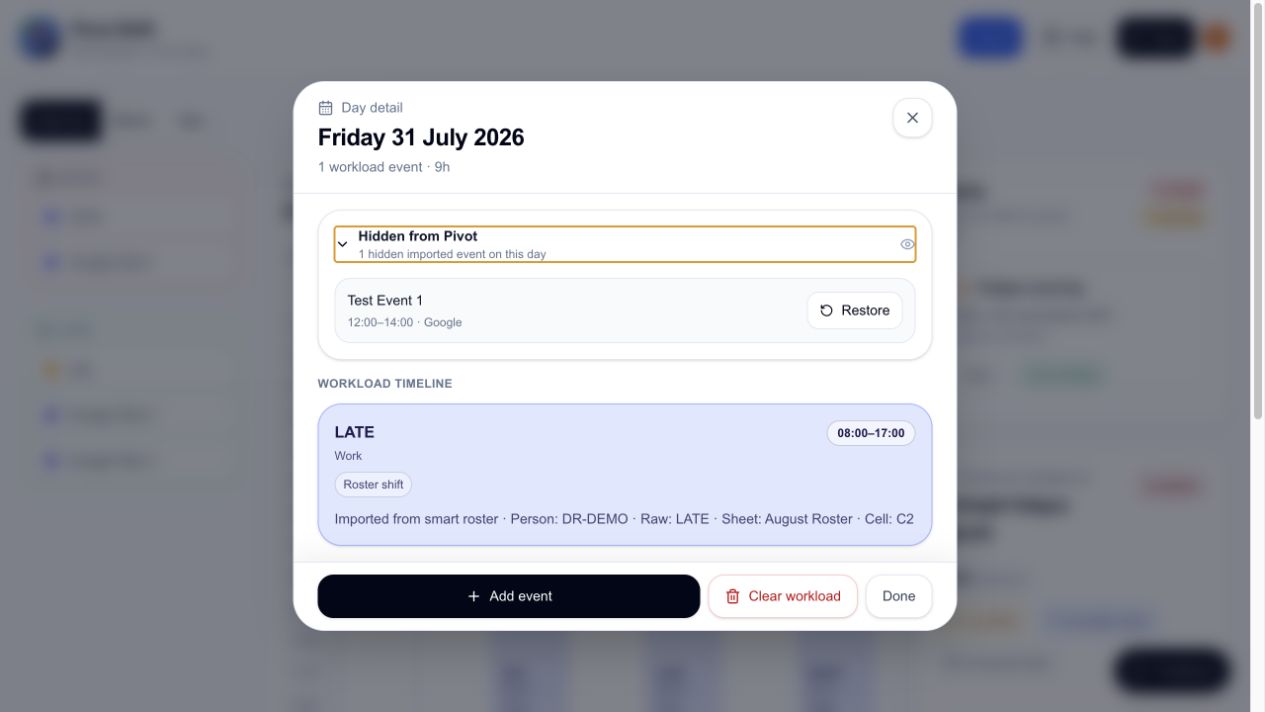
Restoring an event
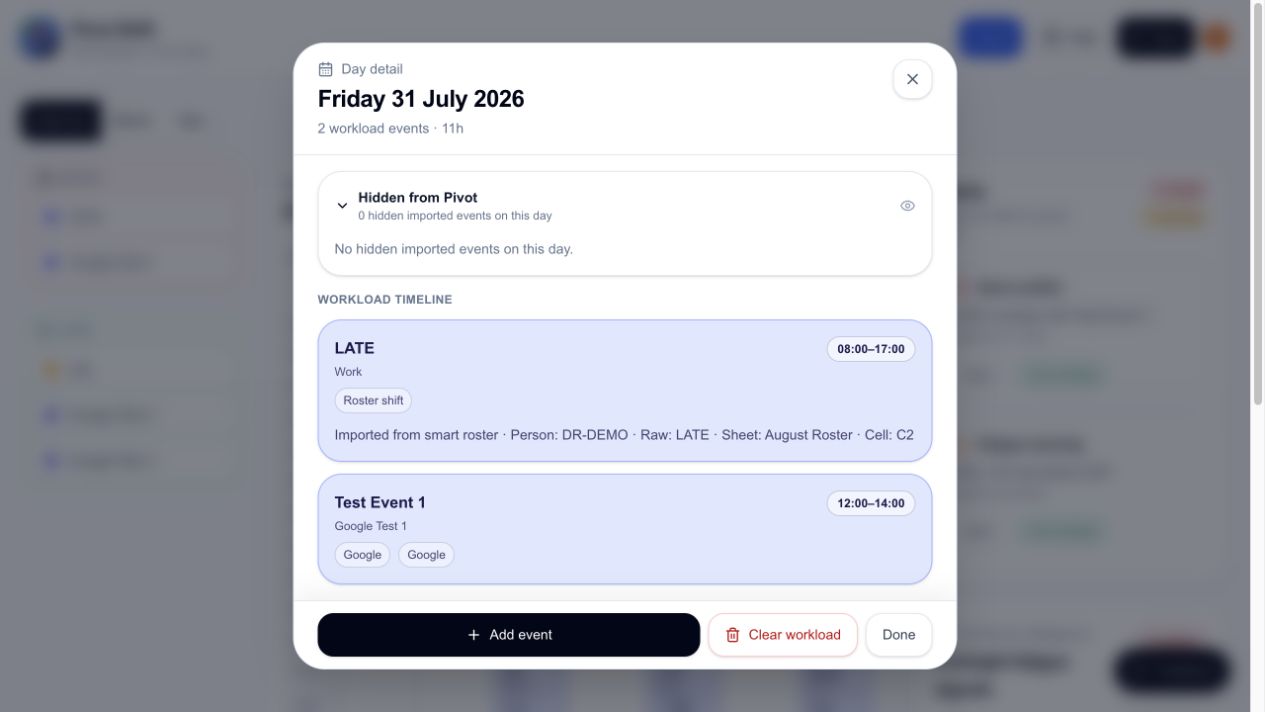
Select Restore beside the hidden event. For Google events, Pivot Shift first confirms that Google still returns the event, refreshes the connected calendar, and saves the result. The item remains in the hidden section until every step succeeds.
If restoration fails, use the displayed retry action. If prompted, select Reconnect Google Calendar and then try restoring again.
Pivot overlays
An overlay is a Pivot-only version of an external event. It lets you change the displayed title, timing, notes, or workload settings without touching the source calendar.
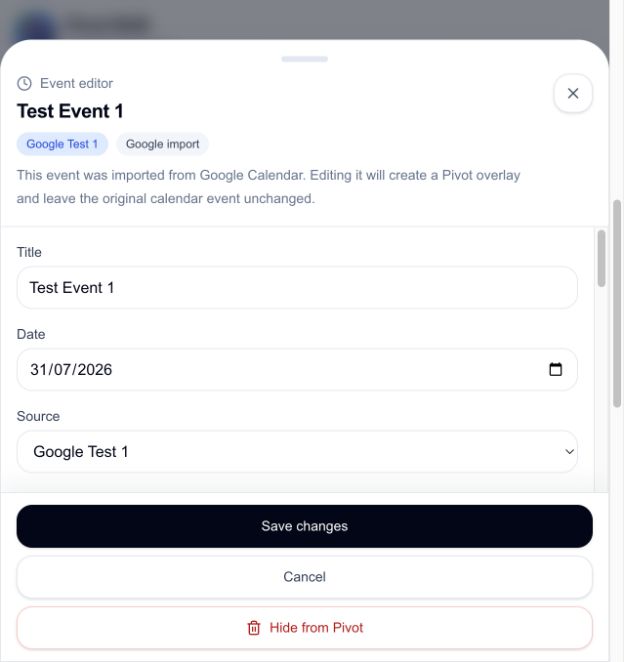
Removing an overlay reveals the current external event again. It does not delete the original event.
Sync behaviour
A sync refreshes external data and reapplies your Pivot-only hidden-event and overlay choices. Syncing alone does not intentionally unhide an event; use Restore to remove its suppression record.